Guide
Facebook marketing for small businesses: a guide from setup to sales
Boosts bring likes but no orders? Getting the page ready, boosts versus Ads Manager, budgets and measuring results, step by step.
For small businesses in Bangladesh, Facebook is the biggest marketplace. Clothing, food, cosmetics, gadgets, coaching and services: almost every kind of business finds customers through a Facebook page. But opening a page and posting does not bring sales by itself. Many people spend money boosting posts, get likes and comments, and still no orders.
This article walks step by step through Facebook marketing for a small business: getting the page ready, what to post, the difference between boosting and Ads Manager, who to show ads to, how to set a budget, and how to measure results.
Step 1: Get the page ready to sell
When someone arrives from an ad, they decide in the first few seconds whether to trust you. So before running ads:
- A clear profile picture and cover: showing your logo and what you sell at a glance.
- Full details: address (if you have one), phone number, WhatsApp, delivery areas and hours.
- A pinned post: how to order, delivery charges and return rules.
- Real reviews: reviews from past customers and real product photos.
- Quick replies: slow replies waste ad money. If messages pile up, consider a chatbot; details in this article.
Step 2: What to post
If every post is a sales pitch, people get tired. A simple mix:
- Products: clear photos or video, price and how to order.
- Useful information: how to use your product, which suits whom, how to care for it.
- Trust: customer reviews, packing videos, behind-the-scenes stories.
- Offers: now and then, for a limited time. Constant offers lose their value.
Video, especially short reels, now reaches the most people. The rules for good video editing are in this article.
Step 3: Boost or Ads Manager
Boosting is the "Boost" button under a post. Simple and quick, but with few options. Boosts often bring more likes and comments, but those people may not be buyers.
Ads Manager is Facebook's full advertising system. You choose the ad's objective (messages, website purchases, video views), who sees it, and you can test several ads at once to see which works best.
You can start with boosts to learn, but for regular sales it pays to learn Ads Manager.
Most important: choose the right objective. If you want orders, choose "Messages" or "Website purchases", not "Engagement". Facebook finds people according to the objective you set. Ask for likes and you get people who like, not people who buy.
Step 4: Who to show ads to
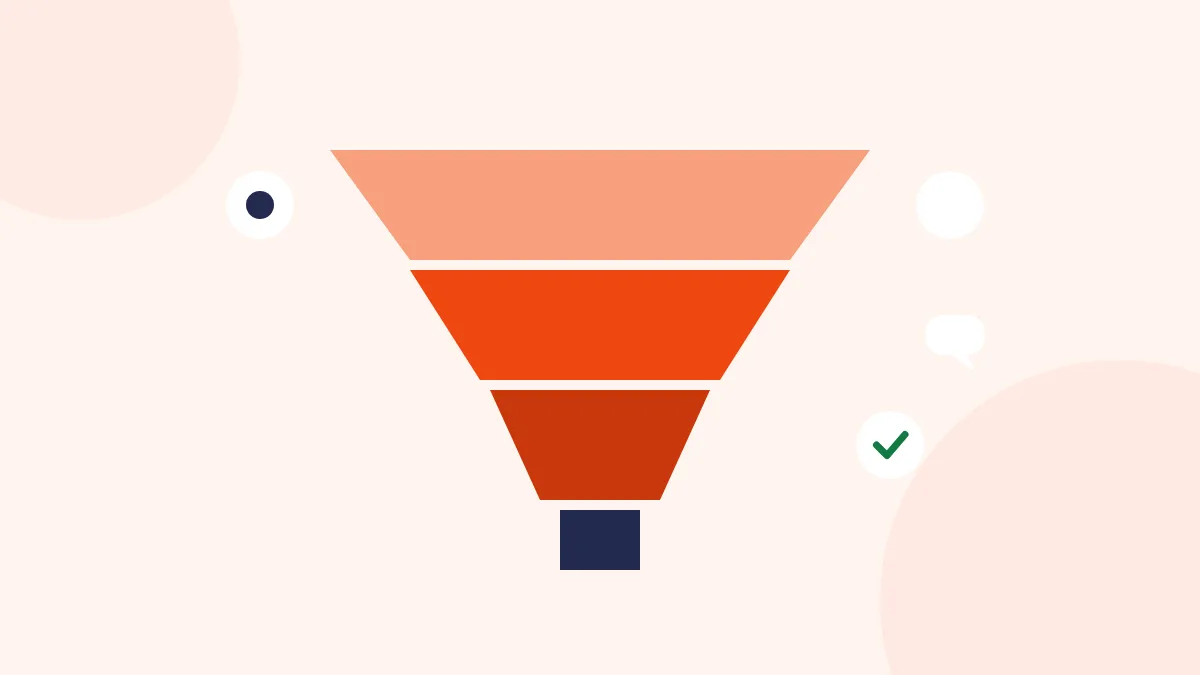
- Location: only where you deliver. If you deliver fast inside Dhaka, start with Dhaka.
- Age and gender: decide from your past orders who your real customers are.
- Interests: do not narrow too much. Facebook itself finds likely buyers, especially when it gets data from the Pixel.
- People who already engaged: showing ads again to people who messaged your page, watched a video or visited your website (retargeting) often brings the cheapest sales.
Step 5: Budget
- Start small: run a few different ads (different photos, videos or text) on a small budget.
- Give it a few days: do not decide on day one. Facebook needs some days to learn.
- Put more into what works: gradually raise the budget on ads bringing messages or orders cheaply. Stop the ones that do not.
- Work out the cost per order: how much profit you make on one order, and what the ads spend to bring one order. If the cost is higher than the profit, you lose money even while selling.
Step 6: The Pixel, if you have a website
If you have a website, setting up the Facebook Pixel and Conversion API is essential. It tells Facebook who came to the site from an ad, what they viewed and what they bought. As a result:
- You know which ads actually bring sales
- Facebook shows ads to people more likely to buy
- You can show ads again to people who visited but did not buy
See the details on the Facebook Pixel setup page. For a separate order page for your ads, see landing page design.
Step 7: Measure results
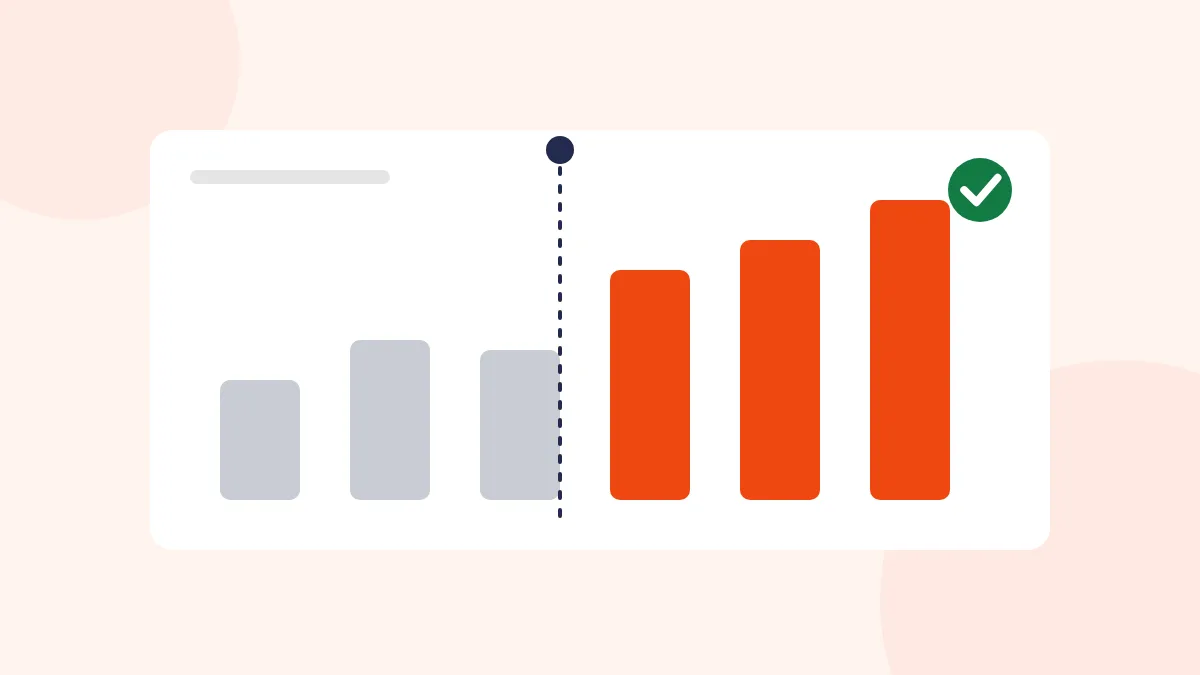
Do not be satisfied with likes and reach. The real figures:
- Cost per message or per order
- What share of messages became orders: if low, the problem may be your replies, price or delivery charge, not the ad.
- What share of orders were delivered: count returned cash-on-delivery orders too.
- Returning customers: whether people who bought once buy again.
Write these numbers in a notebook or sheet once a week. After a few weeks it becomes clear what works.
Common mistakes
- Choosing "Engagement" and expecting orders
- Showing ads across the whole country while delivering only in Dhaka
- Running only one ad, with nothing to compare
- Changing ads every day without giving Facebook time to learn
- Replying to messages late
- Blurry photos or long, messy text
- Spending budget on guesswork without recording results
To learn Facebook ads and online business in depth, see our Bangla e-book on Facebook ads. For ad videos, see the video editing service, and to handle page messages, see the AI chatbot.
Read next
Software
School management software: what it does and what to check before buying
Admissions, fees, attendance, results and SMS to parents in one place. Which features each school needs, 7 checks before buying, and how to roll it out.
Websites
Before you build an e-commerce website: features, payments and delivery
Moving from a Facebook page to your own e-commerce site? The features you need, how an order reaches the courier, and how to set up payments and delivery.