AI
How an AI chatbot works on a Facebook page, and when you need one
Who answers "price?" at two in the morning? What an AI chatbot can and cannot do, and whether your page needs one, in plain words.
Selling on a Facebook page means spending a big part of the day answering the same questions: what is the price, what is the delivery charge, is this size in stock, how long to reach outside Dhaka. When a post or ad does well, hundreds of messages arrive, and if you reply late the customer moves on to another page. This is exactly where an AI chatbot helps.
This article explains in plain words what a chatbot is, how it works on a Facebook page, what it can and cannot do, and whether your page needs one right now.
What a chatbot actually is
A chatbot is a program that reads the messages coming into your page's Messenger and replies. There are two kinds:
- Old-style bots: they only show a button menu, such as "Tap for price", "Tap to order". If a customer types in their own words, the bot does not understand.
- AI chatbots: they understand questions written in the customer's own way, in Bangla, English or Banglish. "Is the red one in XL?" or "price koto" both make sense to it.
An AI chatbot answers from the information you give it. The clearer that information, the better the answers.
How it works on a Facebook page
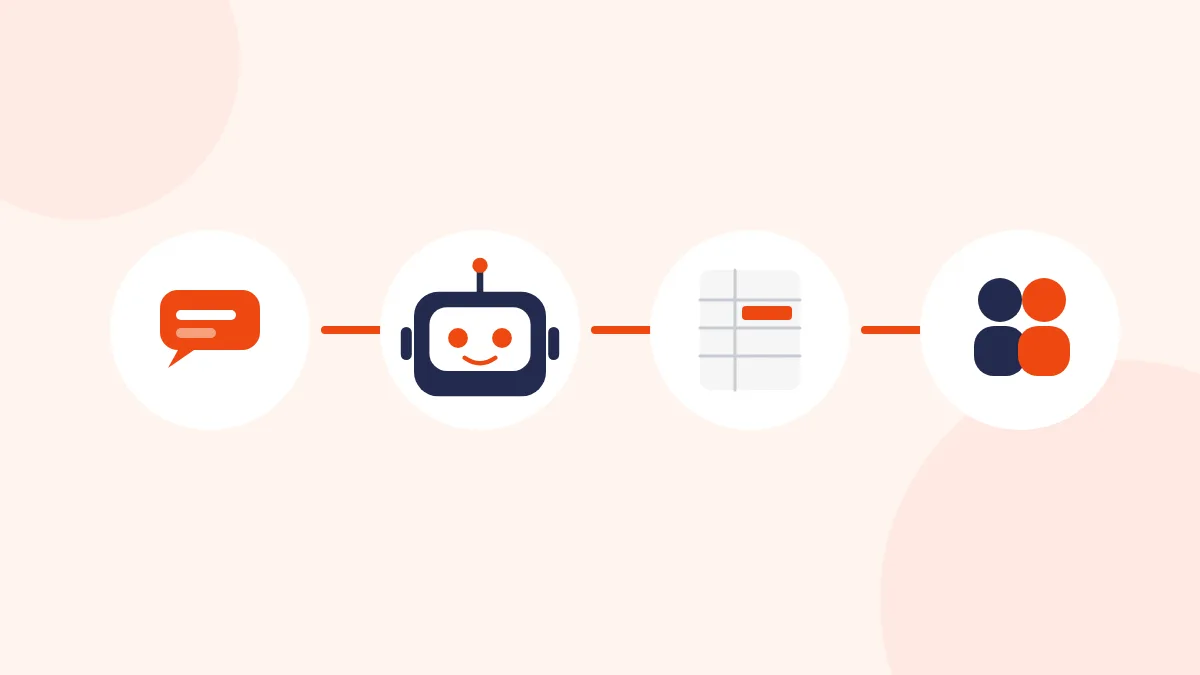
- Teaching: the bot gets your product list, prices, sizes, delivery rules, return policy and answers to common questions.
- Answering: when a customer writes, the bot understands the question and replies from your information, with product photos or links if needed.
- Taking orders: if the customer wants to buy, the bot collects name, address and phone number and saves the order, for example in a Google Sheet or your software.
- Passing to a person: questions the bot cannot answer, or complaints, go to your team.
What a chatbot can do
- Reply day and night: a "price?" message at two in the morning gets an instant answer. Many customers think about shopping at night.
- Handle many messages at once: when an ad takes off, hundreds of messages arrive together. The bot answers everyone at once, nobody waits.
- Turn comments into messages: when someone comments "price?" on a post, the bot can send them the price and details in their inbox.
- Collect orders and addresses: order details arrive neatly organised, so your team only confirms and sends to the courier.
- Share order status: given an order number, it can say where the delivery is, if it is connected to your system.

What a chatbot cannot do
A chatbot is not magic. Keep these limits in mind:
- It does not know what you have not taught it. When products or prices change, the bot needs to know too.
- Angry customers and complicated complaints are better handled by a person. A good bot recognises these messages and passes them on.
- It does not decide on bargaining or special discounts, and it should not.
- It has to follow Facebook's rules. For example, promotional messages cannot be sent more than a set time after the customer's last message.
One important point: a good chatbot does not make up an answer it does not know. Test this when the bot is set up.
Does your page need one now?
A chatbot helps most when:
- Many messages arrive every day, and most ask the same things
- You run Facebook ads and cannot keep up with messages while they run
- Nobody is there to reply at night or on holidays
- You feel you are losing orders because replies come late
If only a few messages arrive a day and you can reply quickly yourself, you can wait. Start with Facebook's own saved replies and automatic greeting message instead.
What to prepare before you start
- Your product list, prices, sizes and photos
- Delivery charges and how long delivery takes inside and outside Dhaka
- Your return and exchange rules
- The 10 questions customers ask most, and the answers
- Where orders should go: Google Sheet, email or your software
- Which messages must always go to a person
The clearer this information, the better the bot answers. For the first few weeks after launch, read the bot's replies regularly and fix mistakes.
Where else an AI chatbot helps a business, such as on a website or WhatsApp, is in this article. To build a chatbot for your page, see the AI chatbot service page.
Read next
Guide
Facebook marketing for small businesses: a guide from setup to sales
Boosts bring likes but no orders? Getting the page ready, boosts versus Ads Manager, budgets and measuring results, step by step.
Software
School management software: what it does and what to check before buying
Admissions, fees, attendance, results and SMS to parents in one place. Which features each school needs, 7 checks before buying, and how to roll it out.