AI
What is an AI chatbot? Where it helps a business and how to start
AI chatbots like ChatGPT now answer customers on Messenger, websites and WhatsApp. Where they help a business, and where they do not.
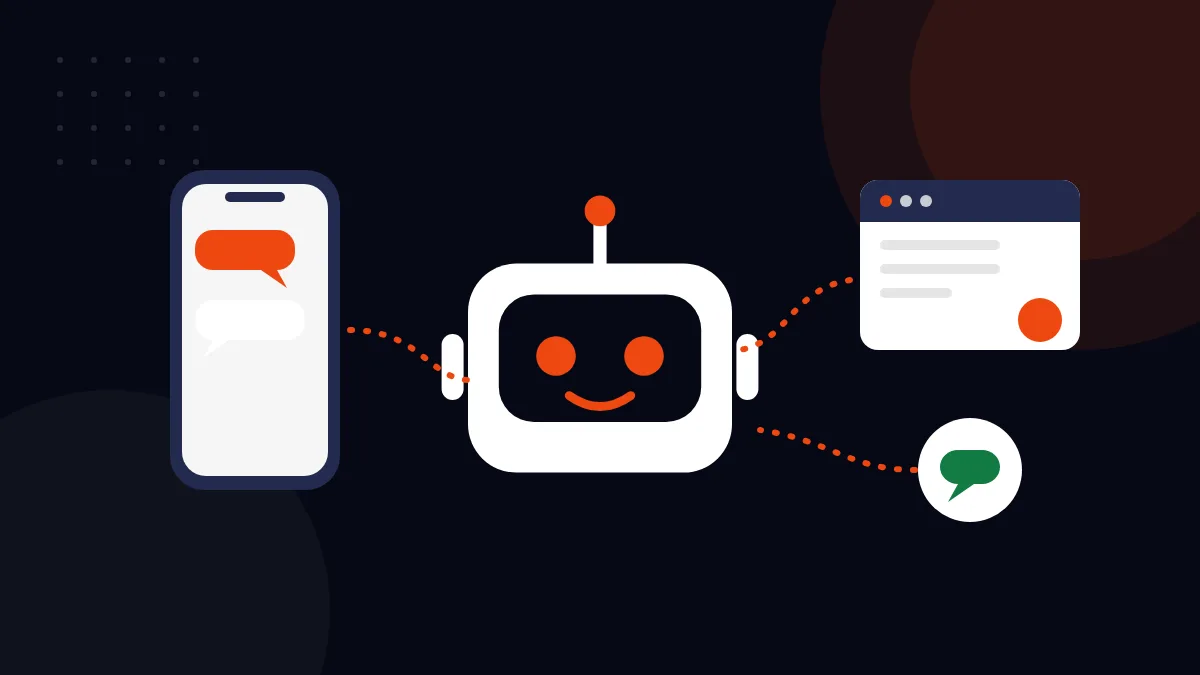
An AI chatbot is a program that understands questions written the way people talk and answers them. ChatGPT and Gemini are the best known AI chatbots, able to talk about almost anything. The same technology can build a chatbot for your business that knows only your products, prices and rules, and answers your customers.
This article covers how an AI chatbot differs from older bots, where it helps a business, where it should not be used, and what to do step by step if you want to start.
Old bots and AI chatbots
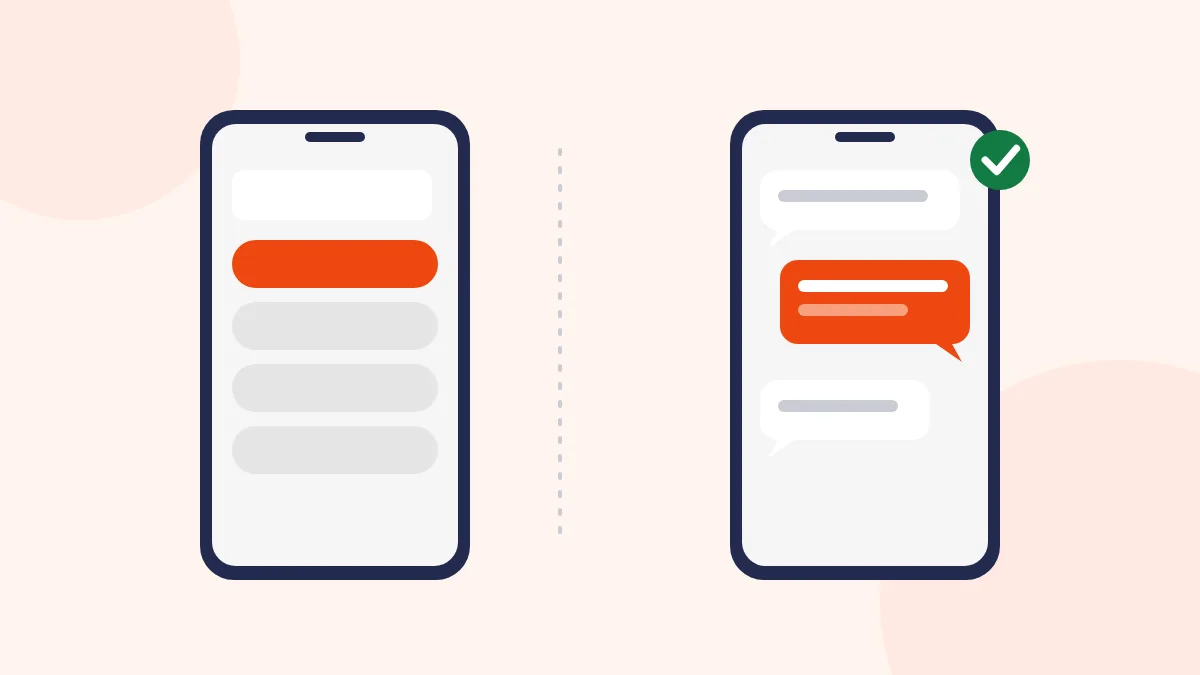
Older bots only showed a button menu: "Press 1 for prices", "Press 2 to order". If a customer typed something outside the menu, the bot was lost, and the customer left annoyed.
An AI chatbot understands questions in the customer's own words: Bangla, English or Banglish, even with spelling mistakes. Take "is the red one in XL, and when does it reach outside Dhaka?" That one message asks two things, and an AI chatbot can answer both.
But an AI chatbot needs your business information. Plain ChatGPT does not know your shop's prices or stock. A business chatbot is set up with your product list, prices, rules and answers to common questions, and told what to do with questions beyond them.
Where it helps a business
Facebook page Messenger
A large share of online selling in Bangladesh happens on Facebook pages. The same questions on price, stock and delivery charges arrive hundreds of times a day. A chatbot answers them day and night and takes orders. Details are in the article on Facebook page chatbots.
Website
A chat box in the corner of your site that helps visitors find the right product or service, answers price and delivery questions, and takes the phone numbers of interested visitors so your team can call back. Very useful on sites with many products or services.
Many customers prefer WhatsApp. A chatbot there can answer common questions and share order status. Running a business bot on WhatsApp needs WhatsApp Business's official setup, which has its own rules and costs.
Taking orders and bookings
When a customer wants to buy or book an appointment, the chatbot collects name, address, phone number and time and puts them in your Google Sheet, calendar or software. Your team just confirms.
Inside the office
Chatbots are not only for customers. They can answer staff questions about company rules, product details or procedures. New staff learn faster, and experienced staff stop explaining the same things over and over.
Where not to use one
Chatbots are not for everything:
- Where a wrong answer can do real harm: medical questions, medicine doses or legal advice. These should go straight to an expert.
- Angry customer complaints: these need human empathy. A good chatbot recognises them and passes them to your team.
- Bargaining and special discounts: these need your own decision.
- Refunds or serious problems: the bot can collect details, but people decide.
One important point: a good chatbot does not make up an answer it does not know. AI can sometimes state wrong information confidently, so the bot has to be set up to admit when something is outside its information and pass it to a person.
What to expect
Keep expectations realistic. A well set up chatbot can answer most common questions, cuts reply times sharply, and stops you losing customers who write at night or at busy times. It does not fully replace your team; it frees them from repeating the same answers so they can spend time on real sales and harder problems.
How to start
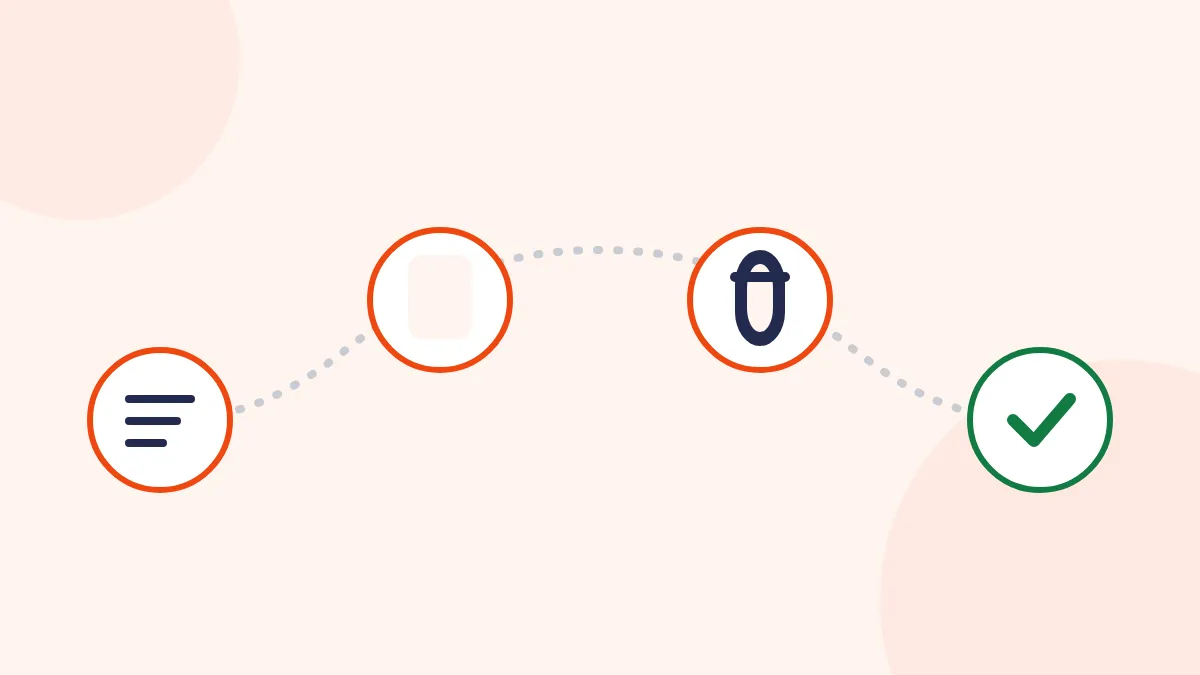
- List the questions: go through the last month of messages and list the 10 to 20 questions customers ask most.
- Put the information in one place: write your product list, prices, delivery rules, return policy and the correct answer to each question in one document.
- Pick the channel: decide where the chatbot lives: Messenger, your website or WhatsApp. Start where most messages arrive.
- Launch small, then improve: start with a few jobs. Read the bot's replies regularly for a few weeks, fix the information where answers are wrong or incomplete, and add new jobs gradually.
What drives the cost
The cost depends on how many channels (Messenger, website, WhatsApp), how much the bot does (just answering, or taking orders and connecting to your software), and how many messages arrive each month. There is also a running cost for the AI itself, which grows with the number of messages. When you get a quote, ask for the build cost and the monthly running cost separately.
To build an AI chatbot or automate other work for your business, see the AI chatbot and automation service page.
Read next
Guide
Facebook marketing for small businesses: a guide from setup to sales
Boosts bring likes but no orders? Getting the page ready, boosts versus Ads Manager, budgets and measuring results, step by step.
Software
School management software: what it does and what to check before buying
Admissions, fees, attendance, results and SMS to parents in one place. Which features each school needs, 7 checks before buying, and how to roll it out.