Websites
Before you build an e-commerce website: features, payments and delivery
Moving from a Facebook page to your own e-commerce site? The features you need, how an order reaches the courier, and how to set up payments and delivery.
Many businesses start selling on a Facebook page and eventually want their own e-commerce website. The reasons are clear: on a page every order is taken separately by message, products are hard to find, and when Facebook changes its rules, sales can drop overnight. On your own site, customers browse products, add them to a cart, pay, and the order reaches you neatly organised.
But an e-commerce website is more than a site with product photos. This article covers what an e-commerce site needs, how an order travels from customer to courier, how to set up payments and delivery, which platform to build on, and what to do after launch to grow sales.
Facebook page or website?
They do not replace each other; they work best together. Facebook pages and ads help people find you, and the website makes buying easy. A website helps most when:
- You have many products that are hard to show in messages
- Many orders arrive daily and typing them up leads to mistakes
- You want to take online payments
- You want customers from Google too
- You want to measure Facebook ad results properly
With only a few orders a day and a few products, a page may be enough to start.
How an order travels from customer to courier
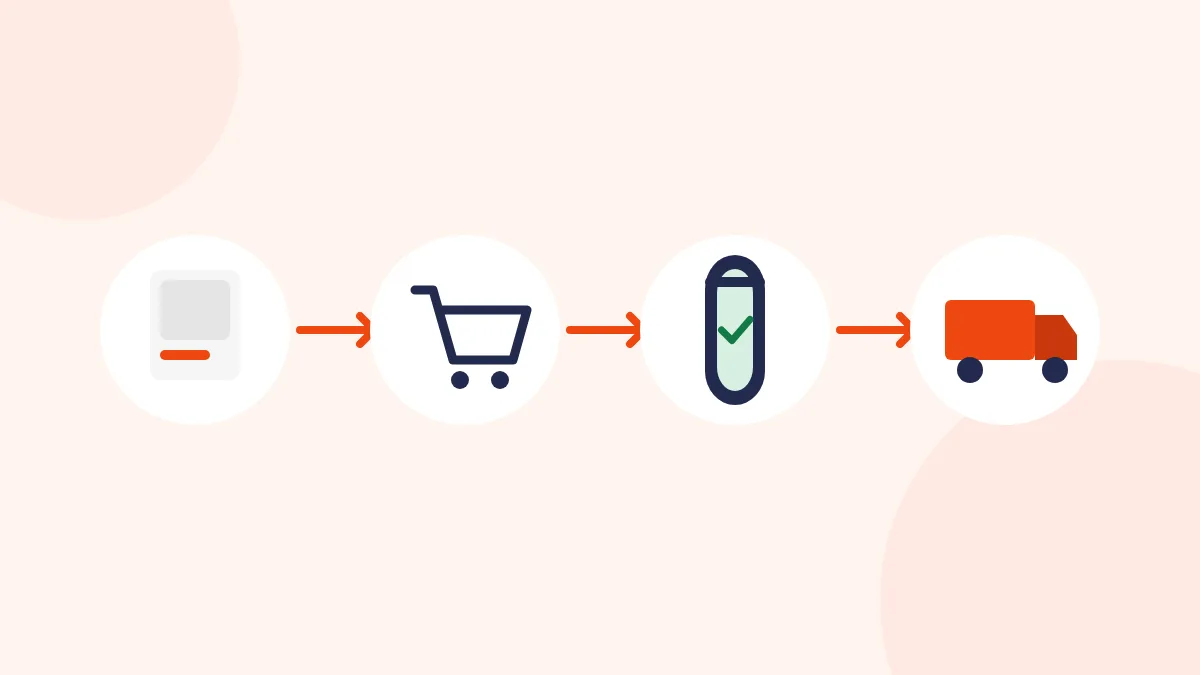
On a good e-commerce site the customer's journey looks like this:
- Finding products: categories, search and filters make products easy to find.
- Product page: clear photos, price, size or colour, stock, delivery charge and time.
- Cart and checkout: order in a few steps with name, phone and address. Better not to force account creation.
- Payment: bKash, Nagad, card or cash on delivery.
- Confirmation: the customer gets an order number by SMS or email right away.
- Courier: you pack the order and hand it to the courier, and the customer gets tracking.
The less friction at each step, the more people finish their order. Unnecessary fields or complicated steps at checkout make many leave with products still in the cart.
The features you must have
For customers
- Fast loading on phones, even budget ones
- Clear product photos and detailed descriptions
- Variants such as size and colour
- Simple checkout with few fields
- Several payment methods
- Delivery charges shown up front, separate for inside and outside Dhaka
- SMS confirmation after ordering
- Return policy, contact number and a WhatsApp button, for trust
For you (the admin panel)
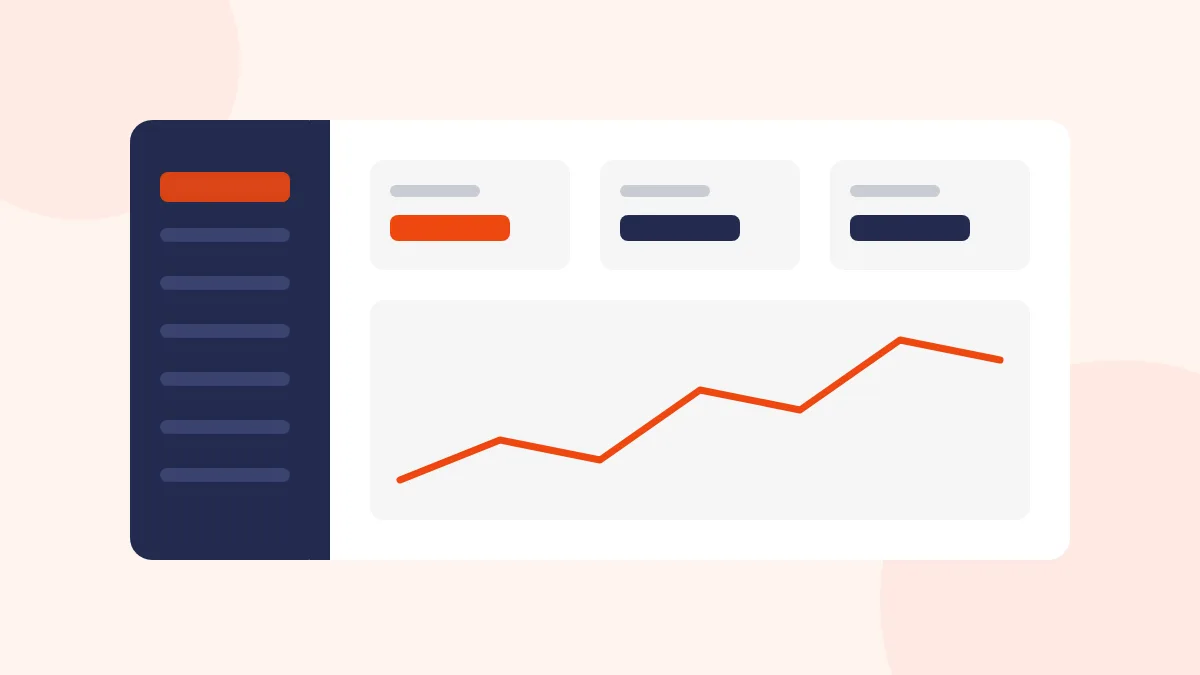
- Easy adding of products and changing of prices
- Stock tracking with low-stock warnings
- Order list and status (new, confirmed, shipped, delivered, cancelled)
- Sending orders to the courier, directly from the site if possible
- Coupons and discounts
- Sales reports
How to set up payments
Cash on delivery is still very popular in Bangladesh, but it carries the risk of returned orders: the customer does not answer the phone or refuses at the door, and the courier charge falls on you.
Some tactics many businesses use:
- A small discount for online payment
- Taking the delivery charge in advance for cash on delivery
- Asking for advance payment on expensive products
- Calling new customers to confirm their order
The full steps for adding the bKash payment gateway are in this article.
Delivery
Most e-commerce businesses deliver through courier companies. When choosing one, compare delivery charges, delivery times, how quickly cash-on-delivery money is paid back, and whether their system can connect to your site. If it does, you do not type up each address by hand, and mistakes drop.
Write the delivery details clearly on your site: charges by area, how long it takes, and who to contact if it is late.
Which platform to build on
- WordPress and WooCommerce: the most common. Many themes and plugins, including ones for Bangladeshi payments and couriers. Good for small to medium shops. Can slow down with many products and orders or too many plugins.
- Custom e-commerce (such as with Laravel): built around your business rules, fast, and able to connect to any system. Good for large shops or special needs. Costs more and takes longer.
- Hosted platforms: you can build it yourself for a monthly fee. Quick to start, but Bangladeshi payments and couriers may be limited.
Growing sales after launch
A site alone does not bring sales. After launch:
- Facebook Pixel and Conversion API: when Facebook knows what people viewed and bought on your site, ads reach better audiences. Details on the Facebook Pixel setup page.
- Product descriptions for Google: write your own description for each product, not copied from other sites.
- Reviews: real customer reviews and photos give new customers confidence.
- Abandoned carts: with a phone number, you can send a reminder.
- Speed: a slow site wastes every other effort. Keep images small and remove unneeded plugins.
Checklist before launch
- Every product has correct photos, price, description and stock
- You placed a full order yourself, including payment
- SMS and email confirmations arrive
- Delivery charges calculate correctly
- Return policy, terms and contact pages are in place
- You opened the site on a phone on a slow connection
- Google Search Console and the Facebook Pixel are set up
For what an e-commerce website costs and how long it takes, see the e-commerce website page. To build your shop's site, get a free quote from the website design service page.
Read next

Guide
Facebook marketing for small businesses: a guide from setup to sales
Boosts bring likes but no orders? Getting the page ready, boosts versus Ads Manager, budgets and measuring results, step by step.
Software
School management software: what it does and what to check before buying
Admissions, fees, attendance, results and SMS to parents in one place. Which features each school needs, 7 checks before buying, and how to roll it out.