Websites
Website design and web development: how a website gets made, step by step
The difference between website design and web development, the steps from planning to launch, your part in each, and which platform to build on.
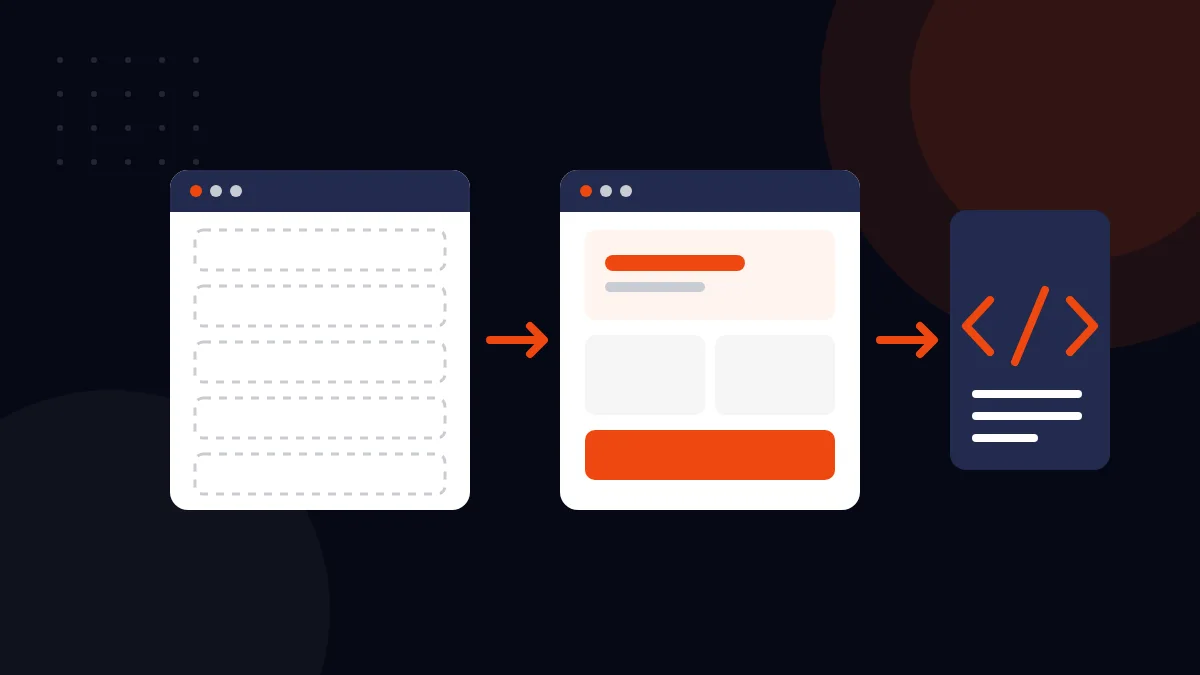
When you plan a website, two terms come up again and again: website design and web development. Many people think they are the same, while many agencies quote them separately. In fact they are two parts of the same job, and a good website needs both done well.
This article explains the difference between website design and web development, the steps a website goes through from start to launch, what your part is at each step, and which platform to build on.
Website design and web development
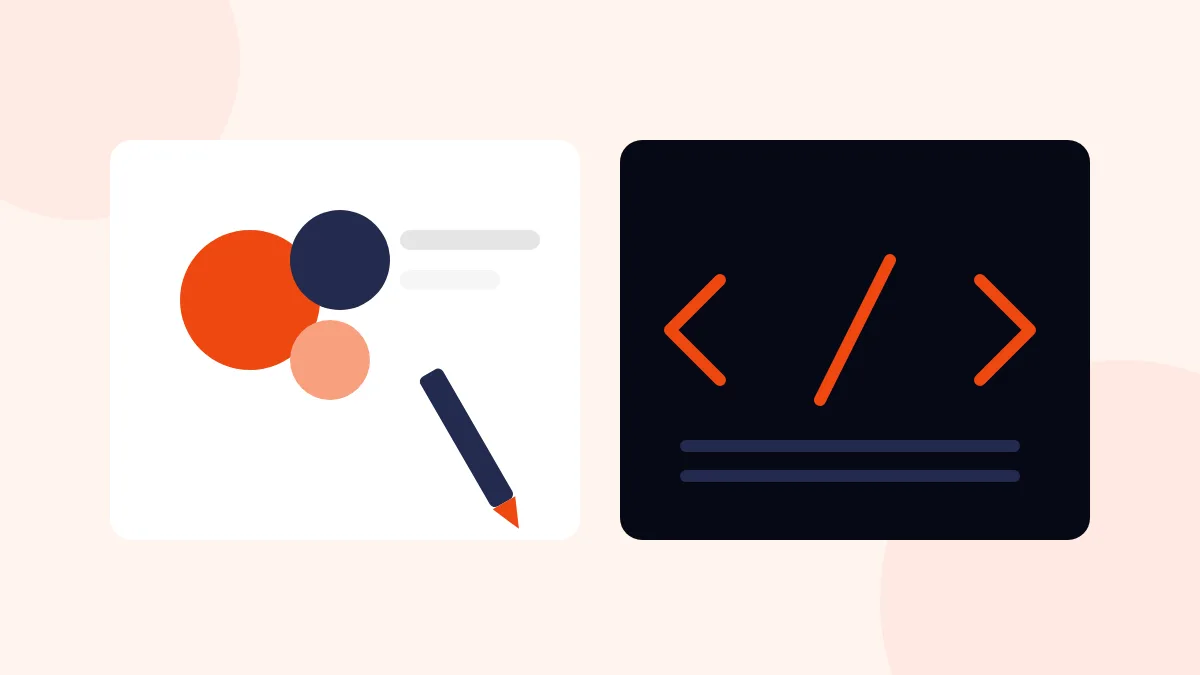
Website design is how the site looks and how it feels to use. It covers:
- Page layout: what information goes where, and in what order
- Colours, fonts, images and icons
- Where buttons go and how they look, so visitors can easily order or get in touch
- How it looks on phones, tablets and computers
Web development turns that design into a real, working website. It covers:
- Building the design in code so it shows properly in browsers
- Making features work: forms, orders, payments, logins
- The admin panel where you change text and products
- Making the site fast, secure and ready for Google
A simple comparison: when building a house, the architect draws the plan, and engineers and builders put up the real house. A beautiful plan with weak building does not last; strong building with a poor plan is uncomfortable to live in.
How a website gets made, step by step
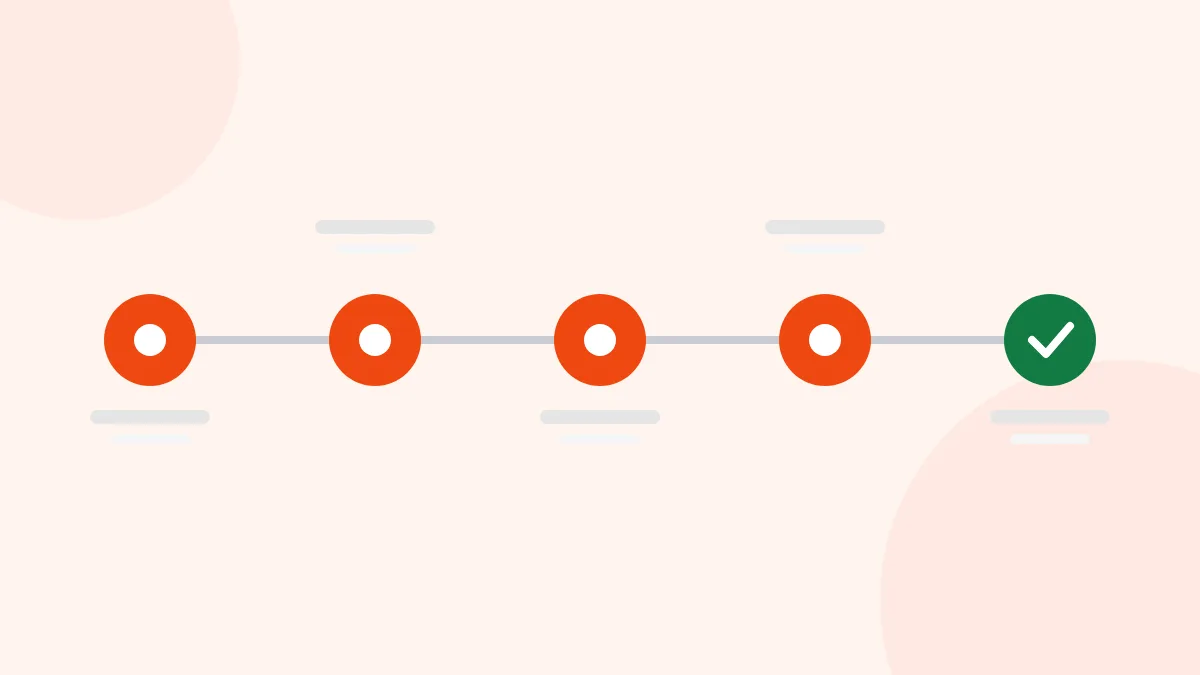
Step 1: Planning
The most important step, and the most neglected. Here you decide:
- The site's goal: sales, phone calls, awareness or appointments
- Who your customers are, and which devices they use
- Which pages you need, and what goes on each
- Which features you need, such as online payments, a blog or two languages
Your part: give clear information about the business, share links to a few sites you like, and say what you do not want too.
Step 2: Structure (wireframes)
Without colours or images, just boxes and lines, the structure of each page is drawn: where the heading goes, where images go, where buttons go. Changes are easiest and cheapest at this stage, so look carefully here.
Your part: check each page's structure and say whether the order of information is right and whether anything is missing.
Step 3: Design
Colours, fonts, images and your brand are added to the structure to give it its real look. Usually the home page and one inner page are designed first for your approval, then the rest.
Your part: ask to see the mobile design too, not just the desktop. Most visitors in Bangladesh come from phones.
Step 4: Development and content
The real site is built from the approved design, the features are made to work, and your text and images go in. This step usually takes the longest.
Your part: deliver text and images on time. Many sites are delayed here, not by development, but by content that has not arrived.
Step 5: Testing and launch
Before launch everything is tested:
- Does it look right on different phones and browsers?
- Do all forms, buttons and links work?
- If there are payments: successful, failed and cancelled cases
- How fast does it open on a slow connection?
- Titles, descriptions and the sitemap for Google
When all is well, the site goes live on your domain and is submitted to Google Search Console.
Your part: go through the whole site on your own phone and fill in every form once.
Which platform to build on
There are a few common ways to build a website:
- WordPress: the most common. Many themes and plugins, easy to change text. Good for company sites, blogs and small to medium e-commerce (with WooCommerce). Too many plugins slow a site down, and it needs regular updates.
- Custom code (such as Laravel): built from scratch around your needs. Good for special features, large e-commerce or web apps; fast, and fully under your control. Costs more and takes longer.
- Website builders (Wix, Shopify and the like): you can build it yourself, for a monthly fee. Quick to start, but Bangladeshi payments and couriers may be limited, and moving the site elsewhere is hard.
Which is best depends on your features, budget and plans. Ask the agency why they recommend a particular platform.
How long it takes
Roughly:
- Landing page: one to two weeks
- Company or portfolio site: two to four weeks
- E-commerce site: three to eight weeks
- Custom web app: one to several months
Much depends on how quickly you provide information, content and approvals.
After launch
A live website is not a finished job. Regularly:
- Security updates and backups
- Adding new products, offers and articles
- Checking Google Search Console to see which searches bring visitors
- Seeing which pages visitors leave from, and improving them
To see what a website costs, read how much a website costs in Bangladesh, and the questions for choosing a company are in this article. To build your website, get a free quote from the website design and development service page.
Read next

Guide
Facebook marketing for small businesses: a guide from setup to sales
Boosts bring likes but no orders? Getting the page ready, boosts versus Ads Manager, budgets and measuring results, step by step.
Software
School management software: what it does and what to check before buying
Admissions, fees, attendance, results and SMS to parents in one place. Which features each school needs, 7 checks before buying, and how to roll it out.