Websites
How much does a website cost in Bangladesh? What decides the price
Two websites that look alike can differ several times in cost. Before you ask for quotes, know what actually drives the price.
There is no one-line answer to how much a website costs. A five page company site and an online shop with hundreds of products are both "websites", but the work is completely different. For the same reason, two sites that look alike can get quotes several times apart, and both quotes can be fair.
This article walks through what actually drives the cost, where you can save and where saving now costs more later, and what to settle before you ask for a quote. With this in hand you will get accurate quotes, and you will be able to put several side by side and compare them.
1. The type of website
Most of the cost is decided by the kind of site you need. Roughly, there are four kinds:
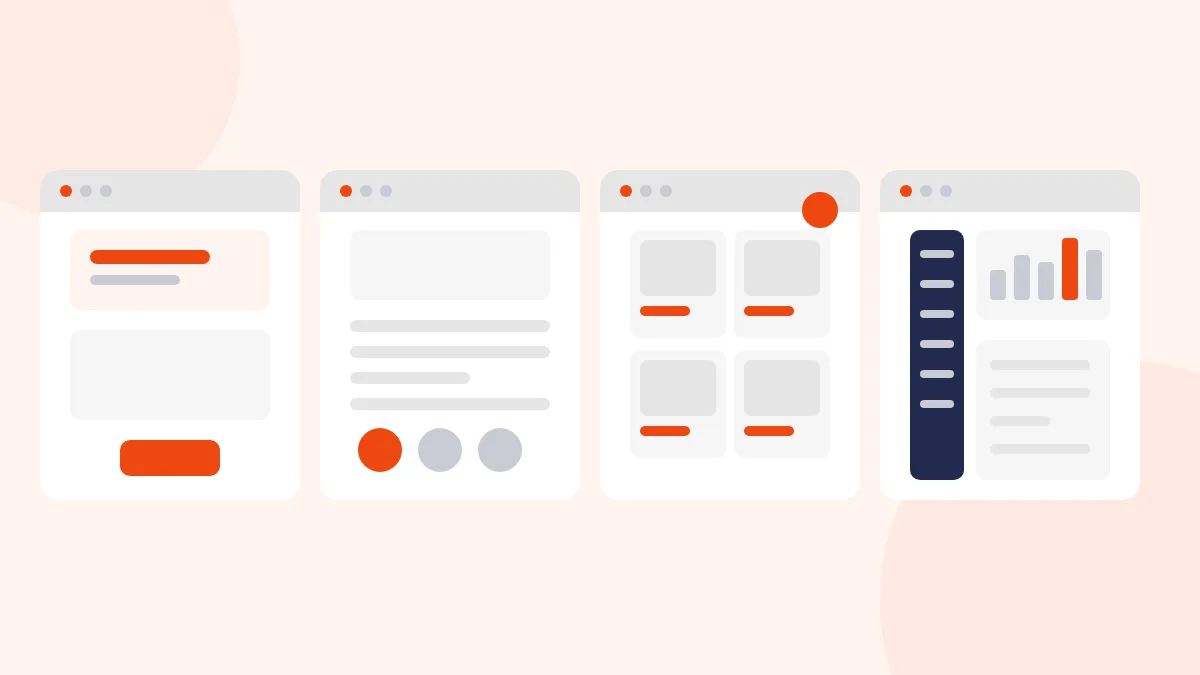
- Landing page: one long page for one product or offer. It has one job: get the visitor to order, call or send a message. Very useful for businesses running Facebook ads.
- Company or portfolio site: who you are, your services, examples of work, customer reviews and contact. Usually five to ten pages.
- E-commerce store: product listings, categories, cart, checkout, payments, order management and couriers. Behind it sits an admin panel where you manage products and orders.
- Custom web app: bookings, memberships, online courses, dashboards or something special to your business. Each feature is built from scratch, so this costs the most.
The simple way to decide which you need is to ask: what will a visitor do on the site? Just learn about you and call, buy on the site, or sign in and use it regularly?
2. Number of pages and features
Every extra page, form or feature means more design, writing, building and testing. A "contact us" form and a "book an appointment online" form look similar, but the second needs time slots, stopping double bookings and confirmation messages behind it.
So before you ask for a quote, make a list:
- Which pages you need (home, about, services, products, blog, contact)
- What a visitor should do on each page
- Which features you need on day one, and which can come later
Anything you do not need on day one belongs in a second phase. Starting small and growing is almost always cheaper and safer, because real visitors show you which features actually matter.
3. Online payments and orders
To take bKash, Nagad or card payments, the site needs a payment gateway. You need your own merchant account, and the site has to handle several cases properly: a successful payment, a failed one, a customer cancelling halfway, and refunds.
Then comes the order work: order numbers, SMS or email to the customer, reducing stock, sending to the courier and tracking delivery. Cash on delivery only is less work; online payments plus courier integration is more. The steps for adding the bKash gateway are in this article.
4. A ready theme or a new design
Building on a ready theme or template is faster and cheaper. A good theme already works on phones, loads quickly and covers common features. The downside: the same theme is on many other sites, and anything outside the theme gets harder.
A design made from scratch takes longer, because the design is made and approved first and then built. In return your brand stands apart, and the site is laid out exactly for your customers.
For a small business starting out, a good ready theme is often enough. As the business grows, or when the brand matters more, a new design makes sense.
5. Text, photos and languages
Many people do not decide up front who writes the text and supplies the product photos, and this is where the most delay happens later. If the agency writes the copy or shoots the photos, that is separate work at a separate cost.
Language matters too. Bangla only, or Bangla and English? A two-language site means every page twice, plus some extra setup so Google shows both languages properly.
6. Domain, hosting and running costs
Beyond the build, some costs come every year:
- Domain: your site's address, renewed every year.
- Hosting: the server the site lives on. More visitors need better hosting.
- Maintenance: security updates, backups and small changes.
Check that the quote lists these separately. And one important point: the domain should be bought in your name and with your email. Otherwise you can lose your address when the relationship with the agency ends.
Where to save, and where not to
You can save by starting with fewer pages and features, using a ready theme, supplying your own text and photos, and leaving features you are not sure about for later.
Do not save on speed on phones, security and backups. Most visitors in Bangladesh come on budget phones and slow connections. If the site is slow to open they leave without waiting, and the money spent on the site is wasted.
Checklist before you ask for a quote
- A list of the pages and features you need
- Whether you need online payments, and which methods
- Links to two or three websites you like, and why
- Who supplies the text and photos
- One language or two
- When you want the site to go live
With this information any good team can give you a clear written quote. When it arrives, check what it includes, when you get it, how many rounds of changes you get and the total. What to ask when you choose a website design company is in this article.
For e-commerce costs specifically, see the e-commerce website page, and for a free quote for your site, go to the website design service page.
Read next

Guide
Facebook marketing for small businesses: a guide from setup to sales
Boosts bring likes but no orders? Getting the page ready, boosts versus Ads Manager, budgets and measuring results, step by step.
Software
School management software: what it does and what to check before buying
Admissions, fees, attendance, results and SMS to parents in one place. Which features each school needs, 7 checks before buying, and how to roll it out.