Software
Custom software or ready-made? How to decide before you call a software company
Before you talk to a software company, decide which you actually need. When ready-made software is enough, and when only custom will do.
When you want to move accounts, stock, sales or staff work from ledgers and Excel into software, the first question is: buy ready-made software, or have a software company build it your way?
Both have pros and cons. The wrong choice either wastes money building something you could have bought off the shelf, or buys ready-made software that does not fit your work, so staff drift back to the ledger. This article covers when each is better, whether there is a middle way, and how to prepare before talking to a software company.
Ready-made and custom, explained
Ready-made software is built in advance and used by many businesses. You buy a licence or a monthly subscription, set it up and start using it. Shop POS, school management and accounting software are examples.
Custom software is built from scratch around the way your business works. The software follows your process, not the other way round.

When ready-made software is better
- Your work is like many other businesses': shop sales and stock, school admissions, fees and results, clinic appointments. There is proven software for these.
- You want to start fast: ready-made software can be running within days; custom software takes months.
- You want a low starting cost: the cost is shared across many businesses, so ready-made is usually cheaper.
- You do not mind adjusting your process a little: ready-made software works in a set way. Often that way is better than what you did before.
For example, POS software for shops and super shops, or school management software, can be bought ready and used straight away. What to check before buying a POS is in this article.
The limits of ready-made: a feature you need usually cannot be added, or costs a lot. If the vendor raises prices or shuts down, there is little you can do. And your competitors may use the same software.
When you need custom software
- Your process is different: ready-made software does not fit, and changing your process is not possible or not right. A factory's special production steps or your own pricing rules, for instance.
- You are patching several apps and Excel sheets together: the same data is typed in three places, and mistakes creep in somewhere.
- It must connect to other systems: payment gateways, couriers, SMS, banks, or your website and app.
- The software itself is your edge: an online service your customers use directly, for example. Ready-made software cannot set you apart here.
The limits of custom: higher starting cost, time to build, and early gaps or bugs that get fixed through use. Finding a good, lasting software company matters.
The middle way
It does not always have to be one or the other:
- Start ready-made, go custom later: begin with ready-made software. After a year or two you know which features you really need, and building custom software becomes much easier and more accurate.
- Ready-made plus a custom part: many ready-made systems offer a way to connect from outside (an API). Keep everything else ready-made and build only your special part.
- Custom, but start small: do not build everything at once. Start with the most urgent part. Once staff use it, real use shapes the next part, and the cost comes in stages.
Simple questions to decide
Ask yourself:
- Is there ready-made software that does at least most of my work?
- Can I adjust my process for the rest?
- Will the software set me apart from competitors, or just keep records?
- What are my budget and timeline?
If the first two answers are "yes", start ready-made. If the third is "it will set me apart", think about custom.
What to ask a software company
If you go custom, find out when choosing a company:
- What have you built for businesses like mine? Can you show live software?
- Who will own the source code and the data? Will I get the code at the end?
- What exactly is in the first phase, and when will I get it?
- How often will you show progress while working?
- Who fixes problems after launch, and what does it cost?
- Where will the server be, and how and how often are backups taken?
- How will new features be added later?
The source code question matters most. Without the code, getting anyone else to work on the software later becomes almost impossible.
What to do yourself first
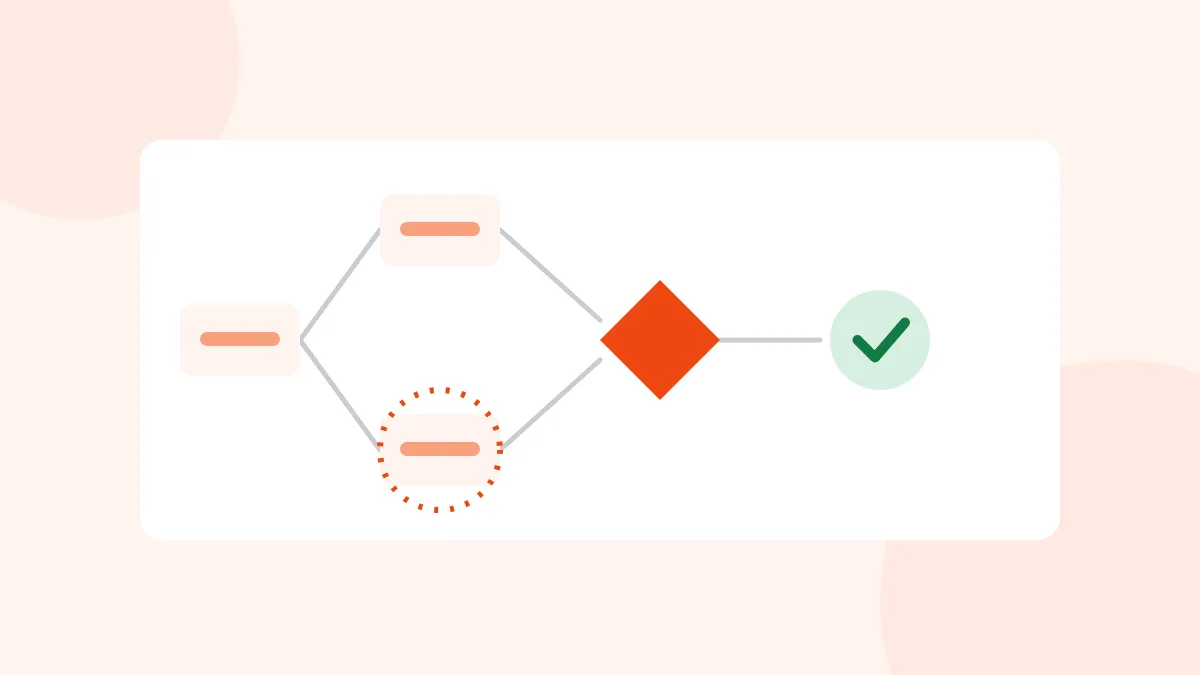
Good software starts with a clear picture of your work. Before talking to a company:
- Write down how the work happens today, step by step: who enters what, who checks it, who approves it, where the data goes.
- Mark the problem spots: where the most time is lost, where mistakes happen, where information goes missing.
- List who will use it: owner, manager, cashier, warehouse staff, and what each can see and do.
- Collect today's paper and Excel: samples of the ledgers, forms and spreadsheets in use now.
- Set priorities: what is needed on day one, and what can wait.
That document is the basis of a good quote. Without it any company's quote is guesswork, and both cost and time grow later.
To talk about custom software, or for free advice on whether ready-made or custom suits you, see the software development page.
Read next

Guide
Facebook marketing for small businesses: a guide from setup to sales
Boosts bring likes but no orders? Getting the page ready, boosts versus Ads Manager, budgets and measuring results, step by step.
Software
School management software: what it does and what to check before buying
Admissions, fees, attendance, results and SMS to parents in one place. Which features each school needs, 7 checks before buying, and how to roll it out.